
In today’s fast-paced digital world, staying productive is more important than ever. Fortunately, many powerful productivity apps are completely free and can help you manage tasks, organize ideas, and collaborate with teams. These tools help students, freelancers, and professionals work smarter and achieve more every day.
Below are some of the best free productivity apps you should try in 2026.
1. Notion – The All-in-One Workspace
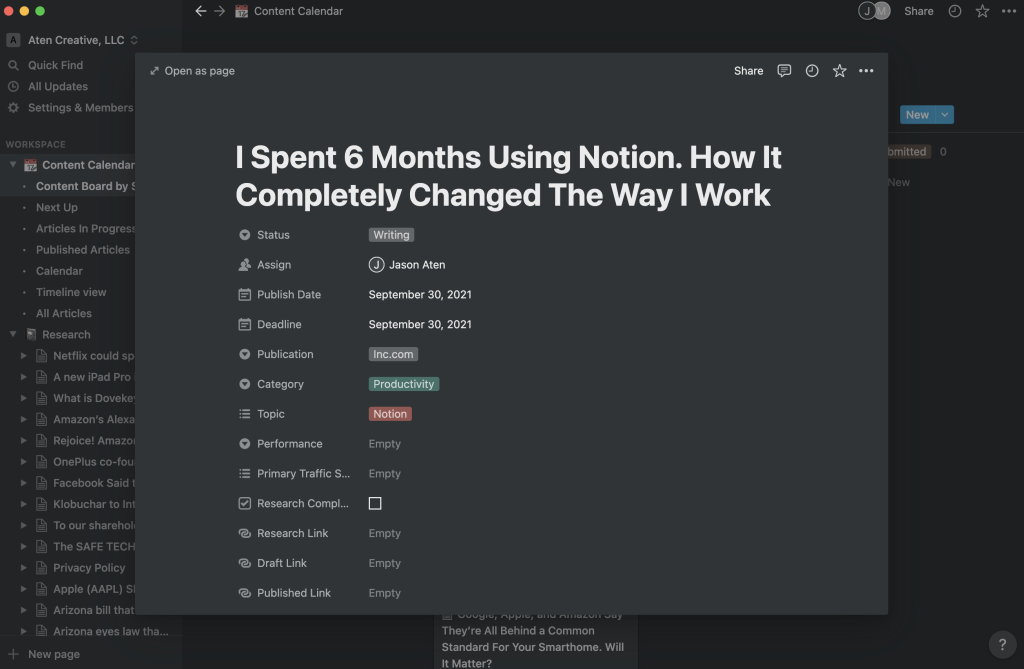
Notion is one of the most popular productivity apps because it combines notes, task management, databases, and collaboration tools in one platform. It is widely used by students, startups, and large teams.
Key Features
- Notes and document creation
- Task and project management
- Database and knowledge base
- Team collaboration tools
The free version offers powerful features for personal productivity and cross-platform synchronization.
2. Todoist – Best To-Do List App
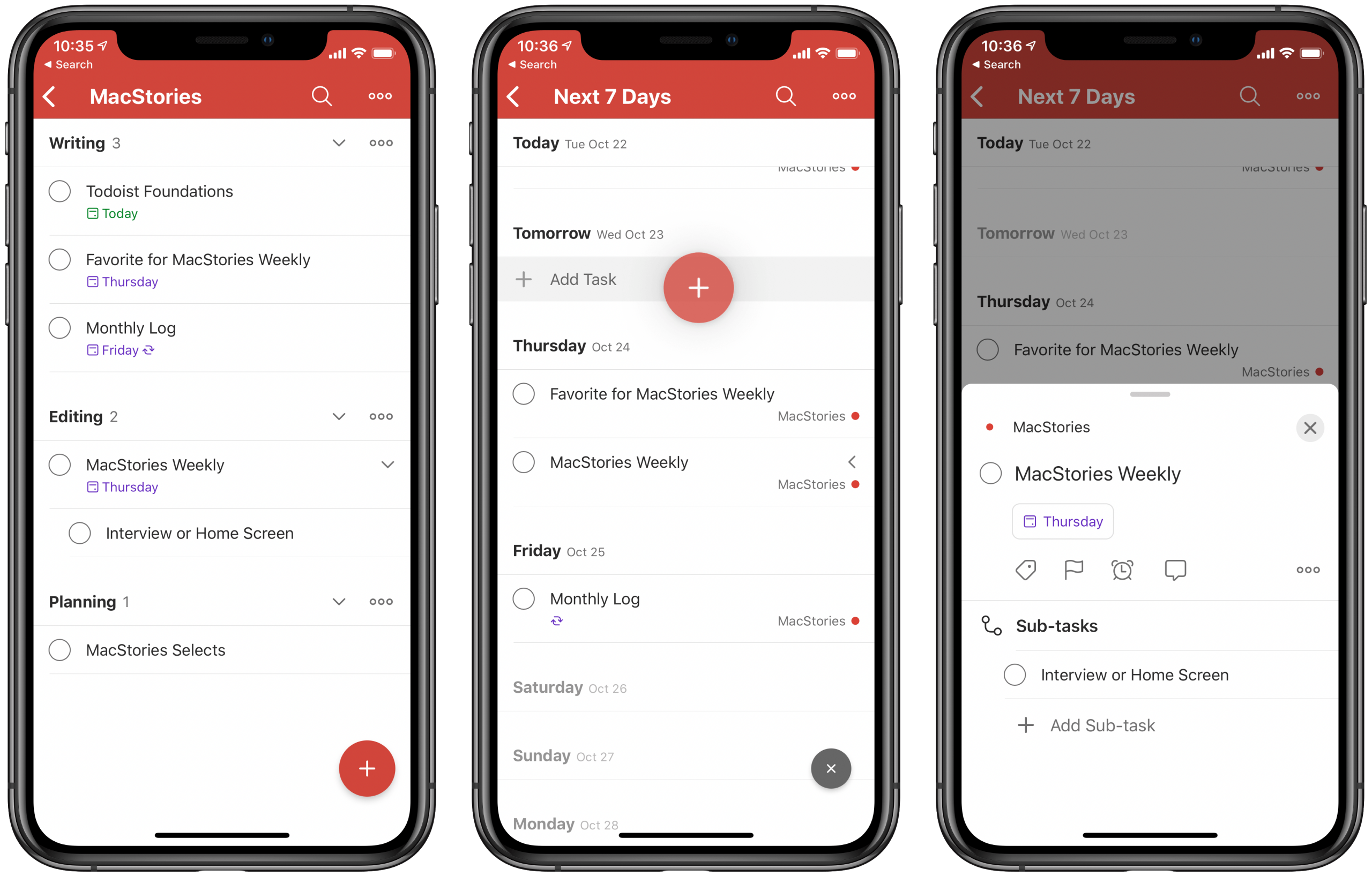
Todoist is a simple yet powerful task manager designed to help you organize daily activities and track your goals.
Key Features
- Task scheduling and reminders
- Project organization
- Productivity tracking
- Cross-device syncing
It is often ranked as one of the best to-do list apps due to its clean interface and powerful features.
3. Trello – Visual Project Management
Trello uses a Kanban-style board system that helps teams organize tasks visually.
Key Features
- Drag-and-drop task boards
- Collaboration tools
- Task labels and checklists
- Integration with many other apps
It’s perfect for project management, content planning, and teamwork.
4. Google Keep – Quick Notes & Reminders
Google Keep is a simple note-taking app designed for quick thoughts, reminders, and lists.
Key Features
- Voice notes and checklists
- Color-coded notes
- Reminders and collaboration
- Seamless integration with Google services
It’s ideal for users who want a lightweight and easy-to-use note app.
5. Joplin – Secure Open-Source Note Taking
Joplin is a free and open-source note-taking app that supports to-do lists, markdown notes, and synchronization across devices.
Key Features
- End-to-end encryption
- Markdown support
- Cross-platform compatibility
- Offline access
It is perfect for users who care about privacy and data control.
Final Thoughts
Free productivity apps can dramatically improve how you manage your time, tasks, and projects. Tools like Notion, Todoist, Trello, Google Keep, and Joplin offer powerful features without costing anything, making them perfect for students, professionals, and entrepreneurs.
The key is choosing the right tool for your workflow:
- Use Notion for all-in-one organization
- Use Todoist for task management
- Use Trello for project tracking
- Use Google Keep for quick notes
- Use Joplin for secure note-taking
With the right productivity apps, you can stay organized, focused, and achieve your goals faster.


